This is what you get with Skrivr
True auto-publishing via Dropbox
We believe in super simplicity. And thus there is no "Publish"-button on Skrivr. There isn't even a web-interface you have to login to to manage your content. Skrivr is just write, save, published. You write in a text-file, you save it and then Skrivr converts it to valid html and automatically publishes it. You can focus on writing and creating. Skrivr takes care of the rest.
Powerful themes
Skrivr believes in convention over configuration, so we have built the Skrivr theme engine around that. Which means that instead of you having to instruct Skrivr what content is what Skrivr assists you in managing your content.
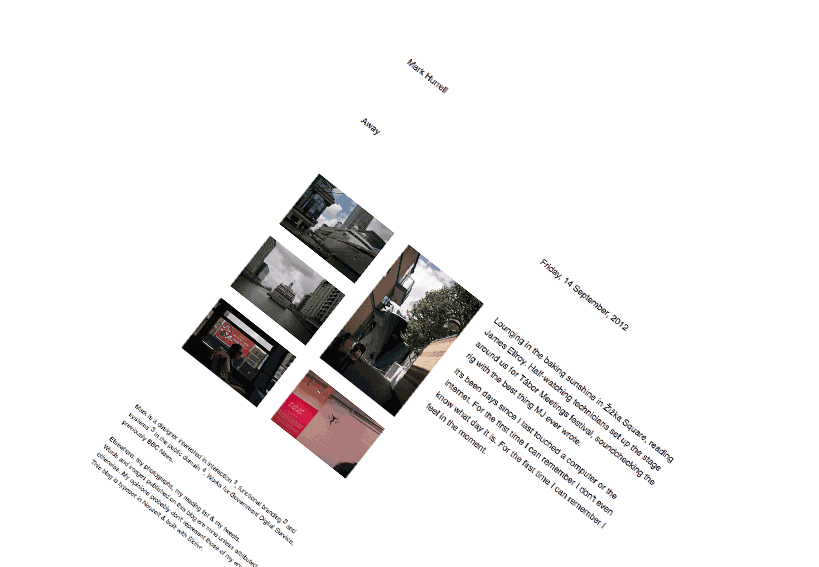
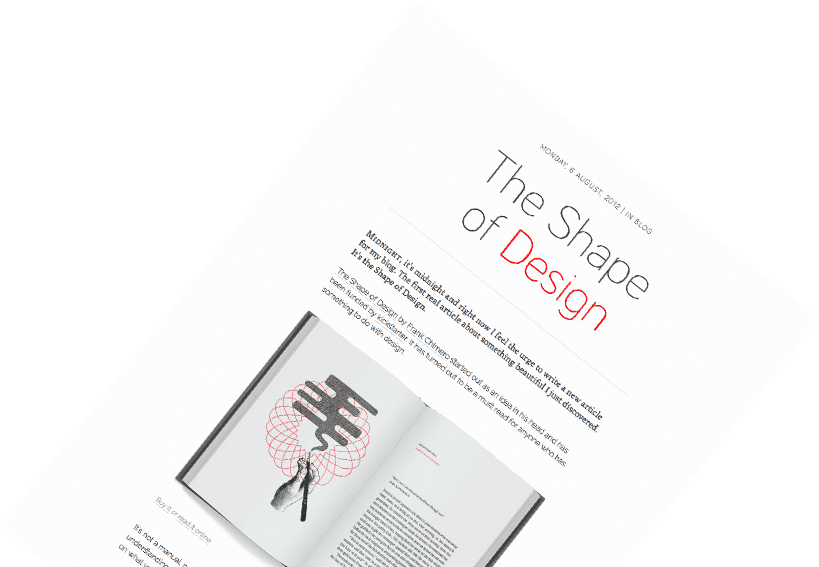
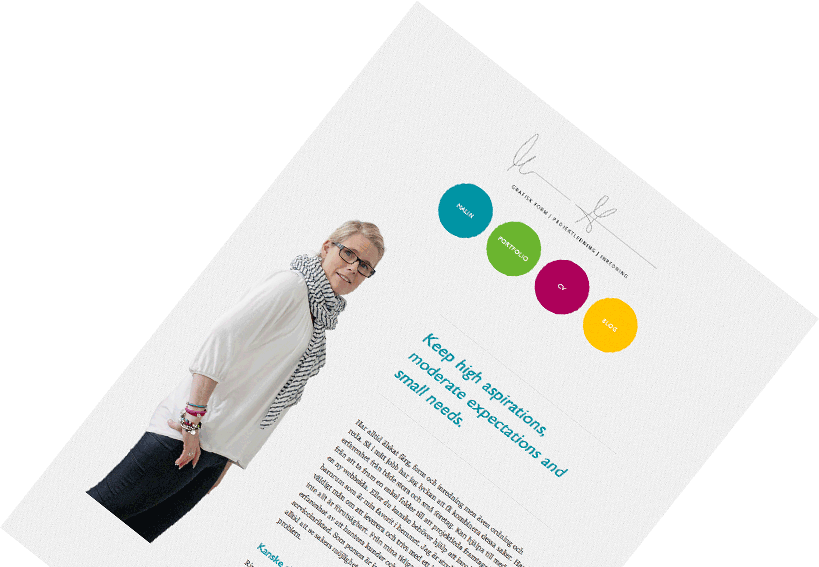
An example; Skrivr are assuming the first h1 in an article is the article headline. Based on the filename and the content inside the textfile Skrivr chops up and structures your content into very flexible bits and pieces; menus, headers, footers, individual page templates, excerpts, dates, categories and more. that makes it super easy to design your Skrivr site.
... but you dont have to design your own themes. You can use any of our amazingly beautiful themes straight out of the box.
Unlimited site traffic
Skrivr is built upon the official Dropbox API and Skrivr only contacts your Dropbox when it needs to sync and download files that you have updated and published. Then Skrivr converts them into valid html and saves them on the Skrivr server. This means that the load of the traffic to your site is taken care of by the Skrivr servers and your Dropbox is left alone. So, no. Skrivr is not using your Public Dropbox folder. A Skrivr site cannot be "shut down" cos your site traffic are exceeding Dropbox terms and conditions.
Nice and SEO friendly URLs
Our Urls uses this schema; domain/category/post-title
An example can be a post from the Skrivr blog: www./skrivr.com/blog/latest/a-much-faster-and-stable-skrivr
Easy URLs for search engines to pick up and easy to remember. And as a bonus; Google ranks those urls a bit higher then the 'ugly' urls you see in some other places.
Custom domains
You can use your own custom domain with Skrivr. Lets say you own www.pizzalove.com where you write pizza reviews. Just go into your settings page and add that domain as you custom domain and then go into your domain account and redirect the a-record
Future friendliness and responsivness.
The themes we create and the theme engine we have built is all responsive. We are currently using the Sencha.io to serve small size images to smaller mobile devices. They are also tested in all modern browsers all the way down to the mighty old and tired IE6.